Course Content
Module 0 β€” Getting Started
Course orientation, objectives, format, duration, expected outcomes, and learning pathway.
0/3
Module 1 β€” Canva Basics
Learn what Canva is, navigate its interface, work with templates, add text and visual elements, and create a first design.
0/6
Module 2 β€” Worksheet Design
Explore worksheet types, clear layout principles, visual elements, Canva AI tools, and a practical worksheet design task.
0/6
Module 3 β€” Educational Graphics
Create educational posters, charts, diagrams, infographics and other visual aids, then export them for classroom use.
0/6
Module 4 β€” Scaling and Monetization
Build reusable design systems, avoid common mistakes, strengthen your portfolio and explore responsible ways to monetize educational designs.
0/7
Canva for Educational Graphics & Worksheets

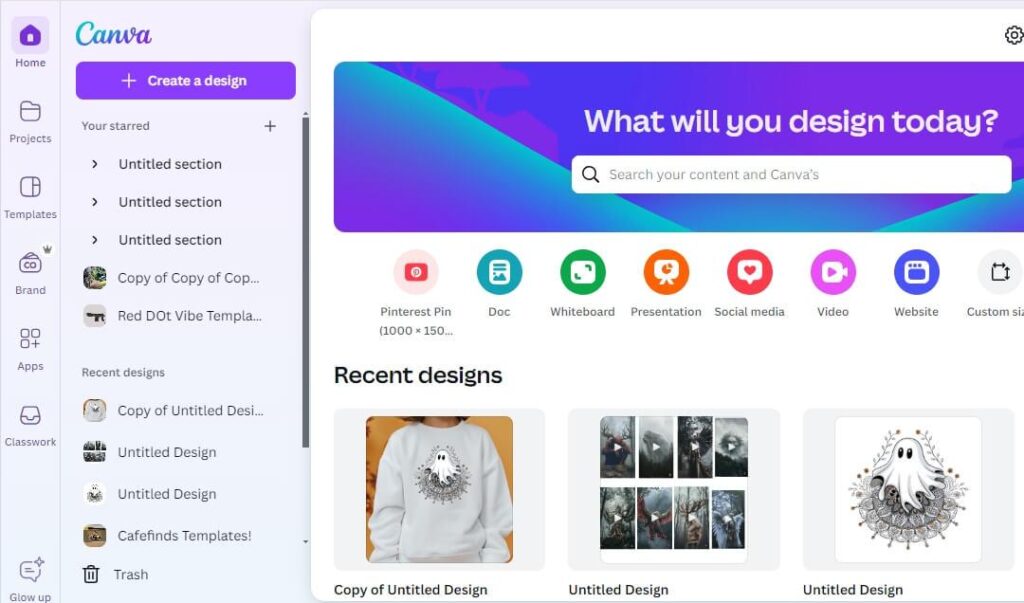
Canva is an online design tool that allows users to create graphics easily without advanced skills. It provides templates, fonts, and design elements.

Teachers can use Canva to design classroom materials quickly.

  • Online design tool
  • Easy to use
  • Drag and drop
  • Templates available
  • Free access
  • Fast design
  • Visual tools
  • Creative platform

[lifews_interactions]

Scroll to Top