Course Content
Module 0 β€” Getting Started
Course orientation, objectives, format, duration, expected outcomes, and learning pathway.
0/3
Module 1 β€” Canva Basics
Learn what Canva is, navigate its interface, work with templates, add text and visual elements, and create a first design.
0/6
Module 2 β€” Worksheet Design
Explore worksheet types, clear layout principles, visual elements, Canva AI tools, and a practical worksheet design task.
0/6
Module 3 β€” Educational Graphics
Create educational posters, charts, diagrams, infographics and other visual aids, then export them for classroom use.
0/6
Module 4 β€” Scaling and Monetization
Build reusable design systems, avoid common mistakes, strengthen your portfolio and explore responsible ways to monetize educational designs.
0/7
Canva for Educational Graphics & Worksheets

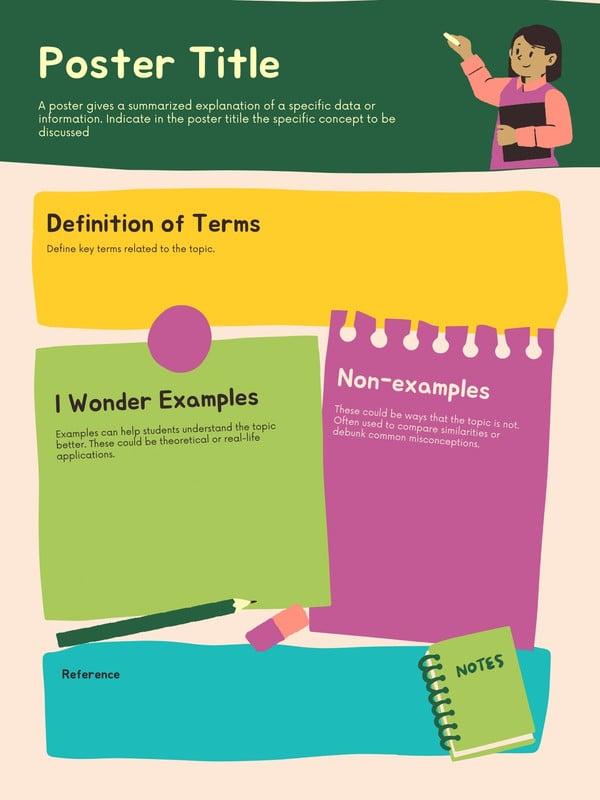
Engaging graphics use colors, shapes, and clear layout to attract attention. Teachers should keep designs simple but visually appealing.

Good graphics improve student interest.

  • Use colors
  • Keep simple
  • Add shapes
  • Improve layout
  • Attract attention
  • Enhance visuals
  • Increase engagement
  • Improve learning

[lifews_interactions]

Scroll to Top